
There are many articles and videos in the Freestyle Ski Canada app that you can add to your training plans.
Adding it is easy:
- Open the article or video.
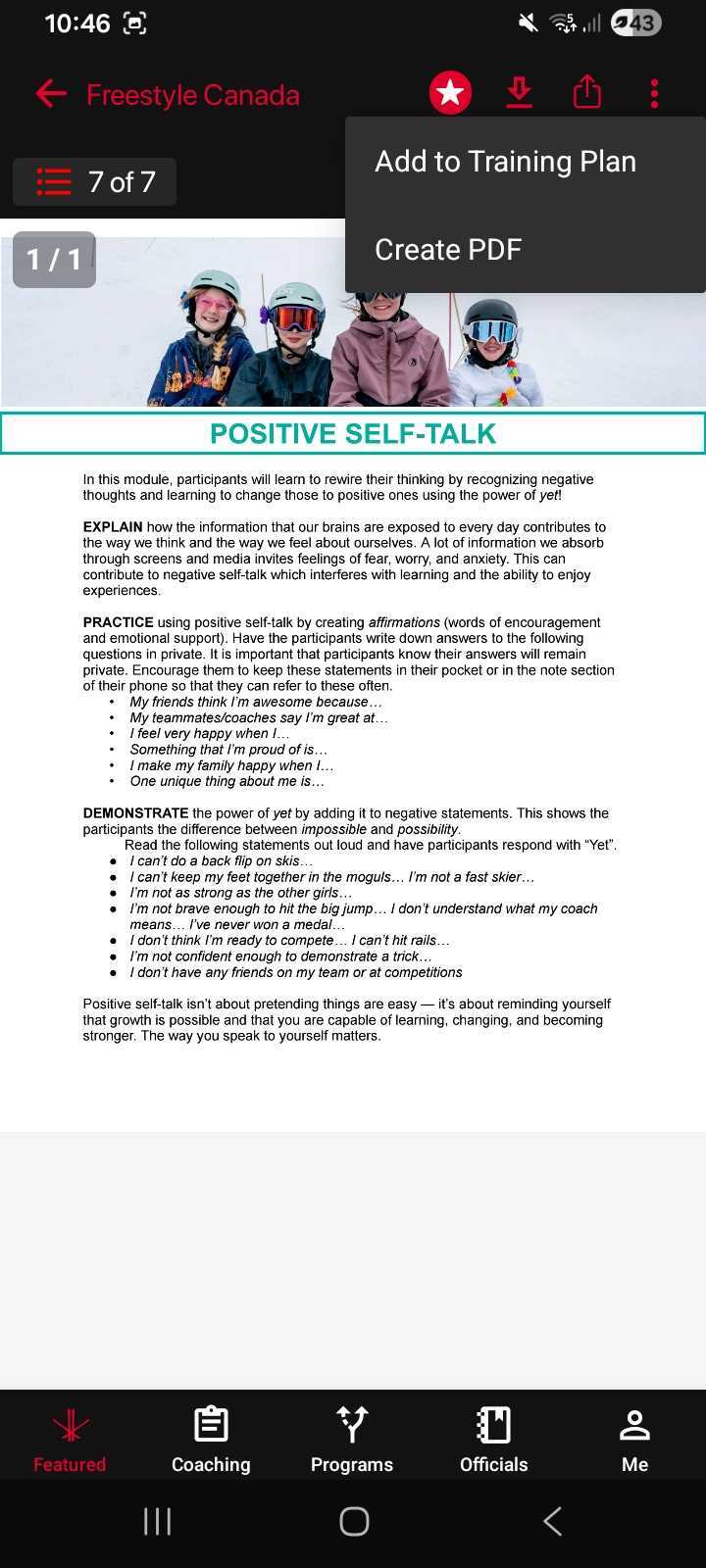
- Tap the options menu in the top-right corner.
- Select “Add to Training Plan…”
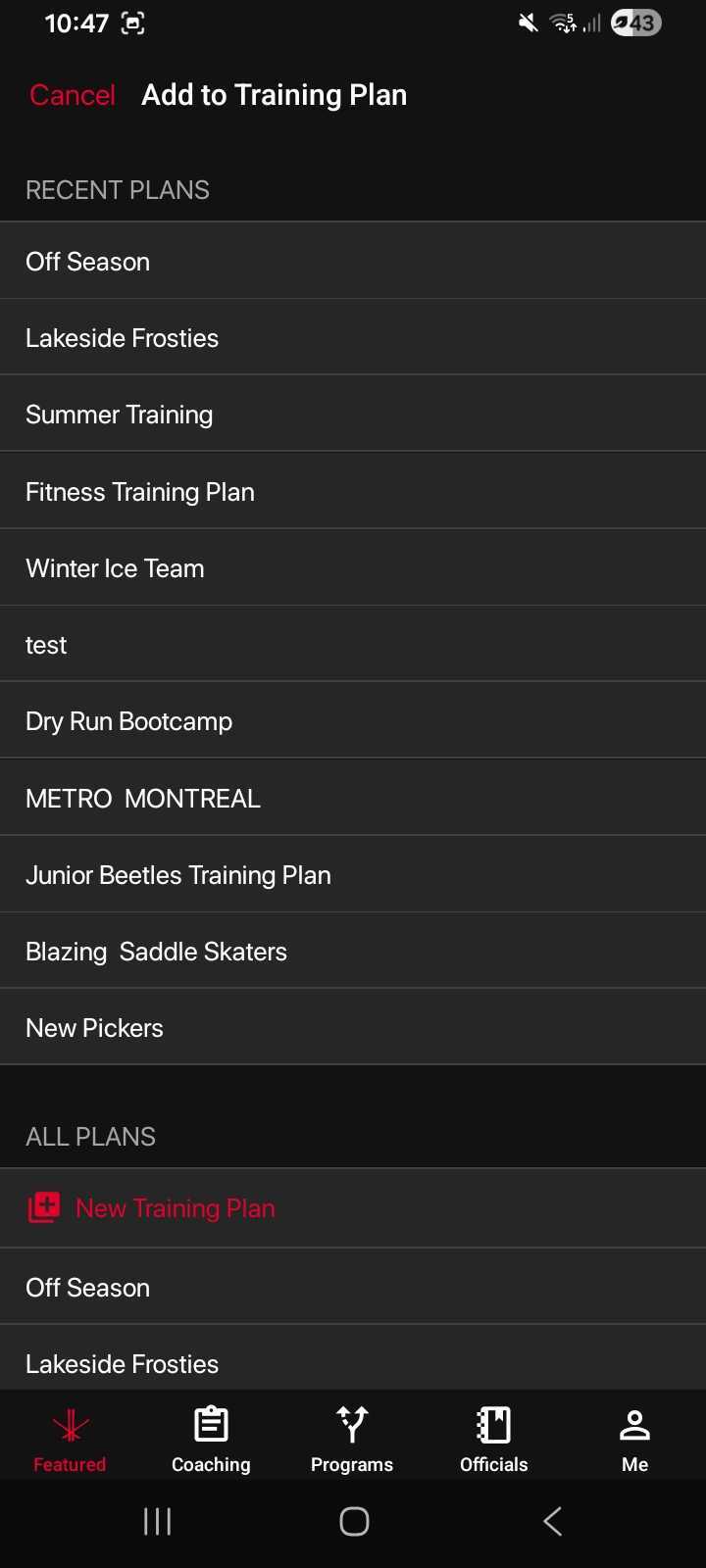
- Choose the training plan you’d like to add it to.
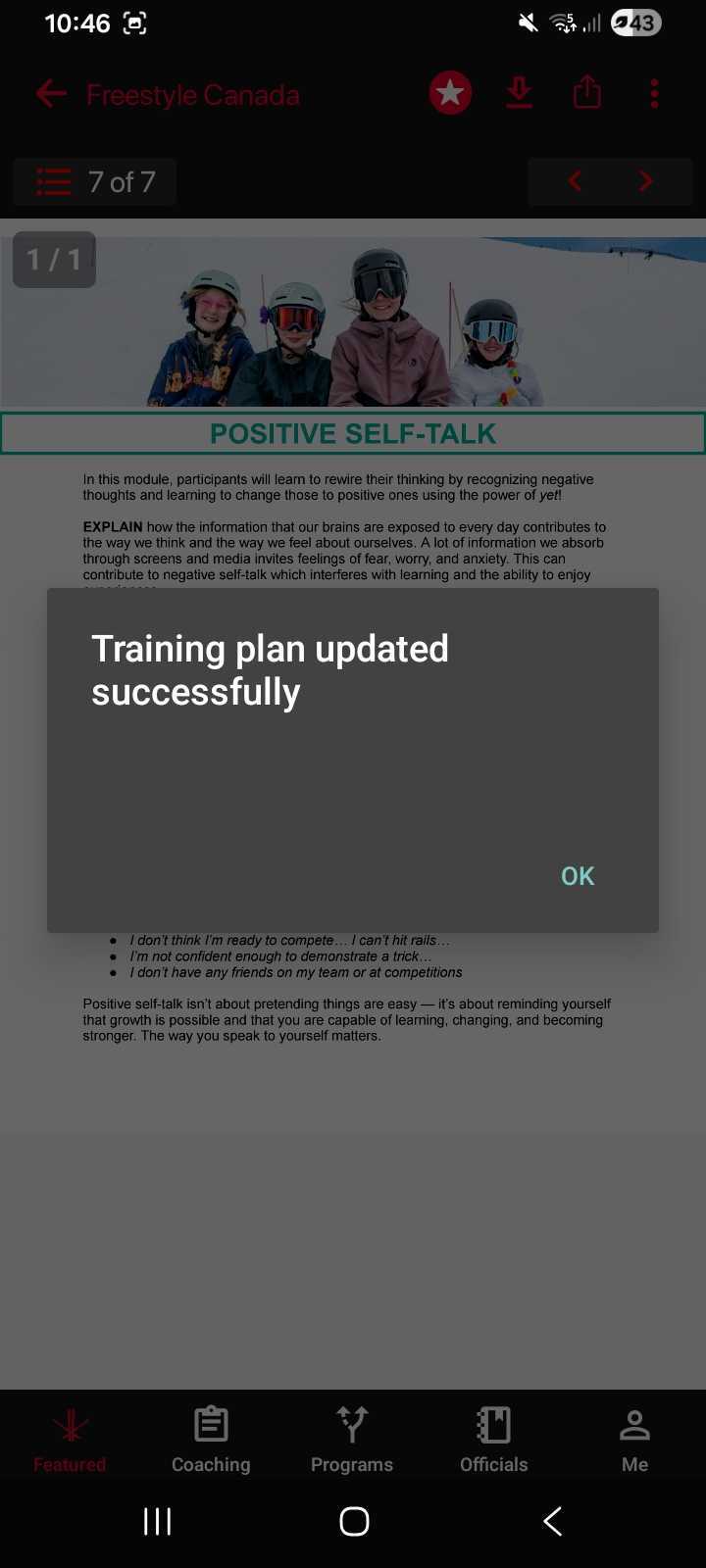
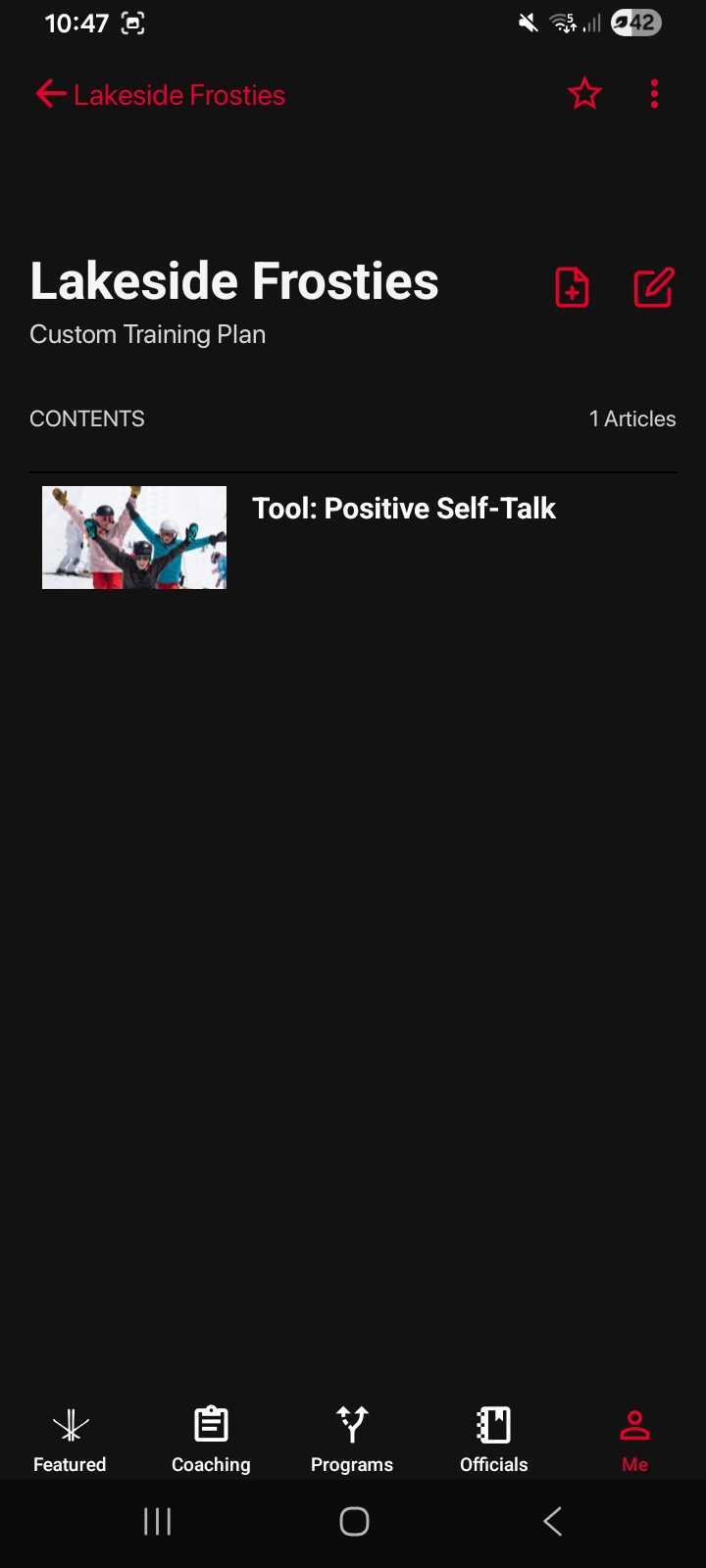
That’s it! Your content will now be saved to the selected training plan.
Was this article helpful?
Still need help?Submit A Ticket