
Getting started on a training plan is simple!
Go to the “Me” tab.
Tap Training Plans.
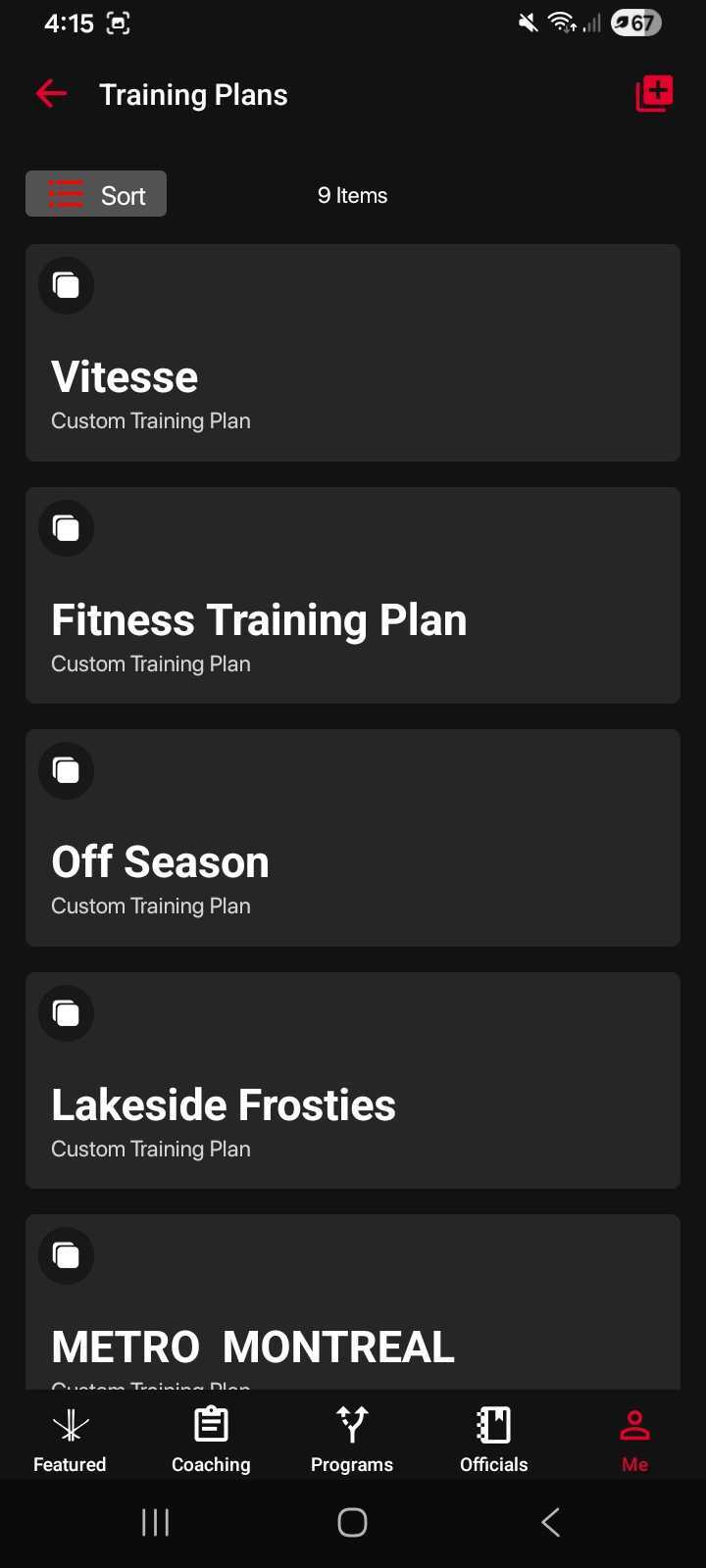
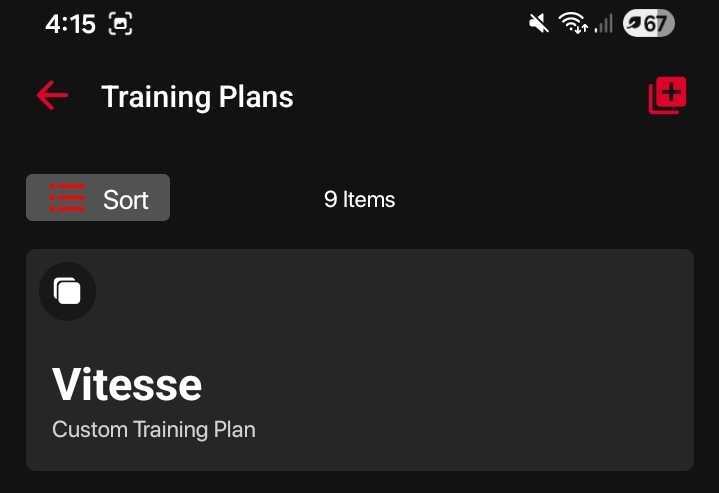
Press the red plus (+) button in the top-right corner.
Enter a name for your training plan.
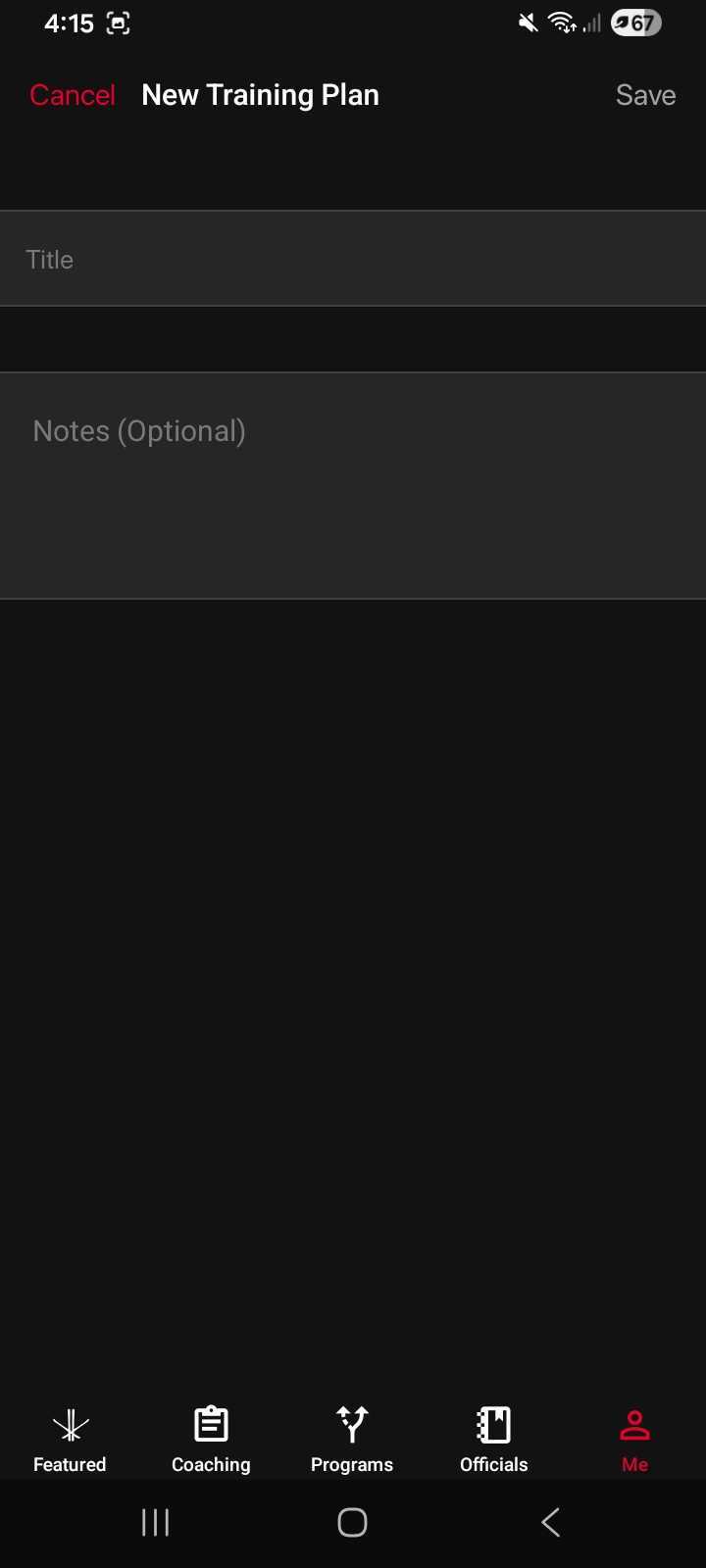
(Optional) Add notes to describe the purpose of the plan.
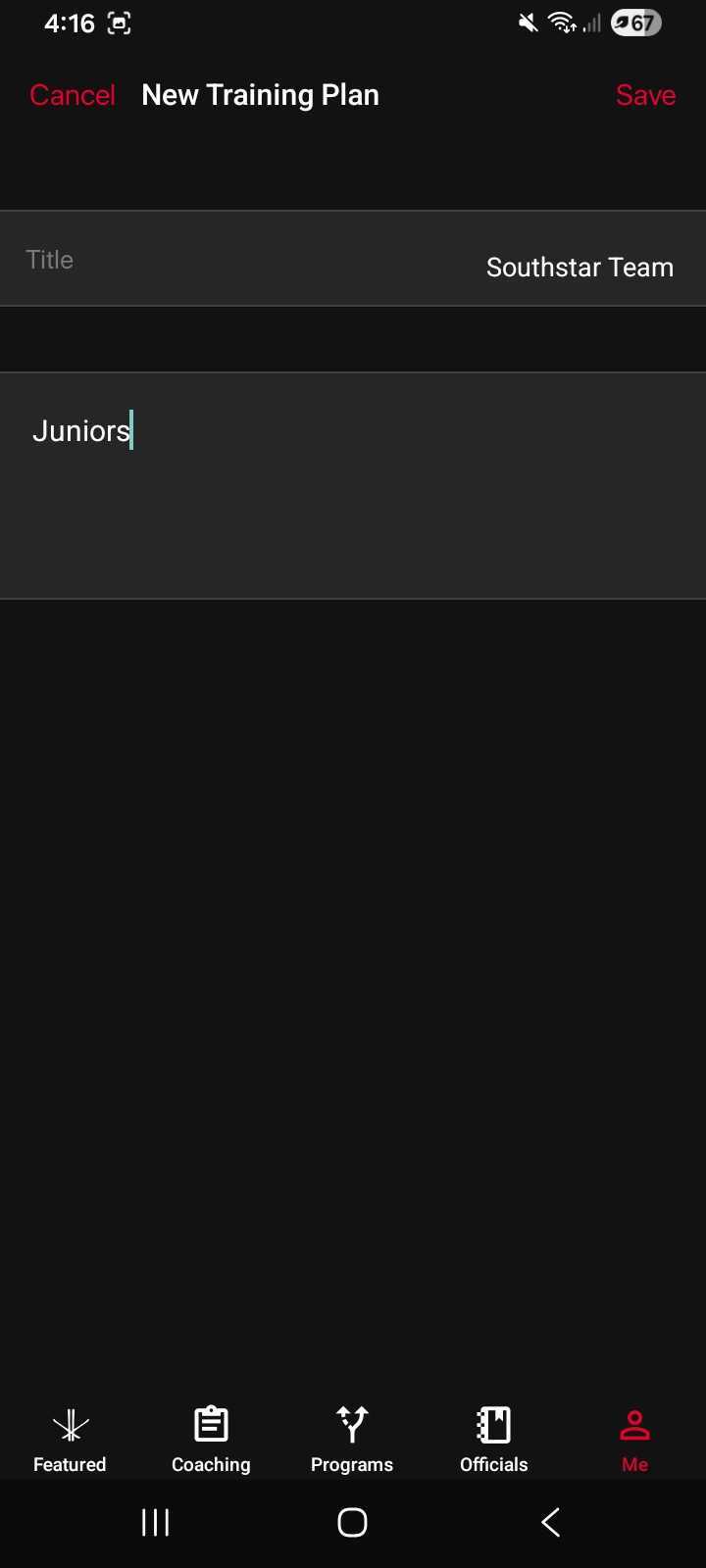
Tap Save.
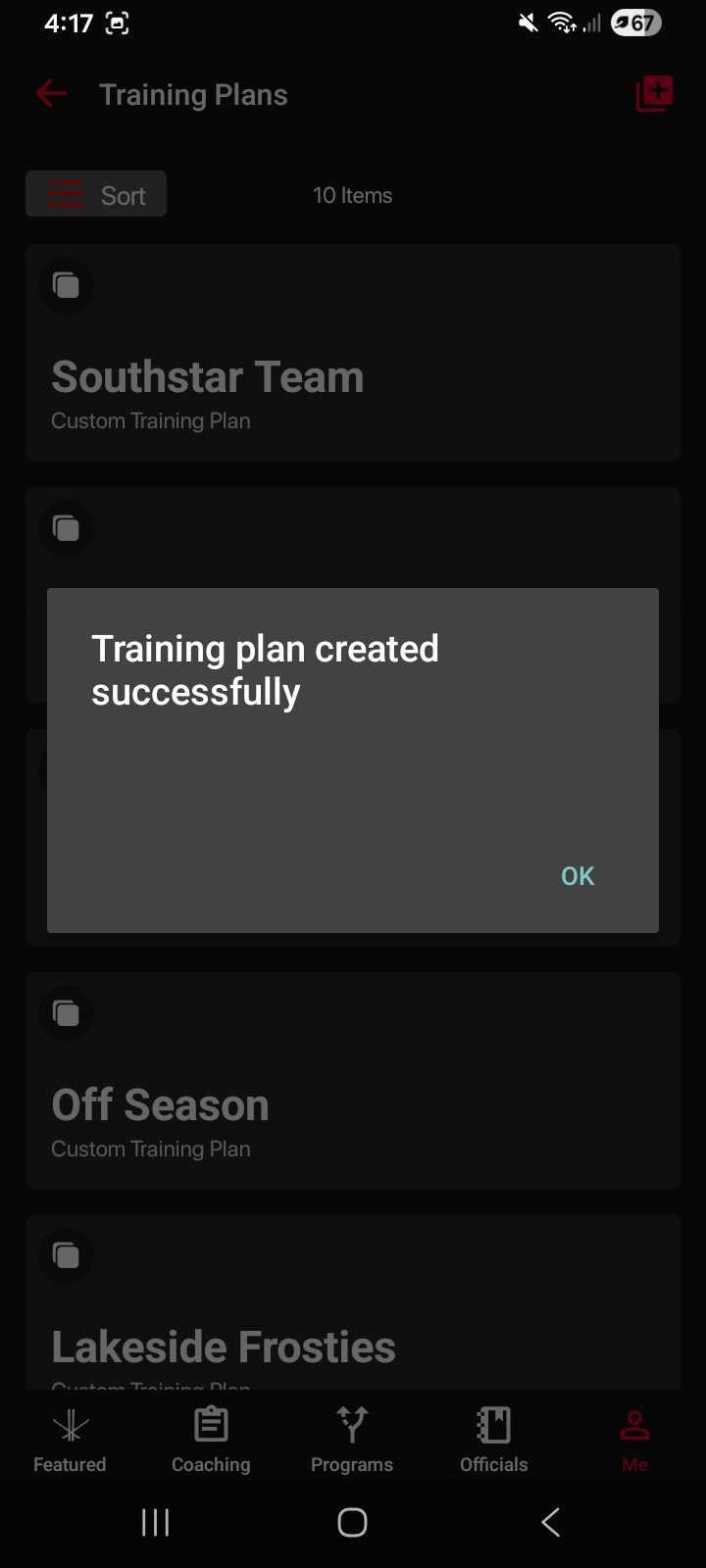
You’ll see a confirmation message once your plan has been created.
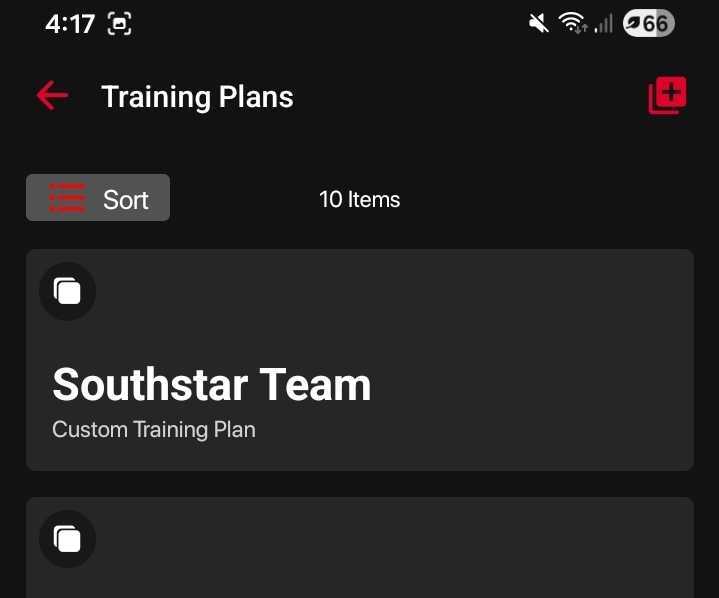
Your new training plan will appear on your Training Plans dashboard, ready for you to start adding content.
Was this article helpful?
Still need help?Submit A Ticket