
Getting Started with the Freestyle Ski Canada App on Android is simple.
Open the Freestyle Ski Canada app on your device.
Need help downloading it? Check out our guide on how to download the app.
Tap Sign In to get started.
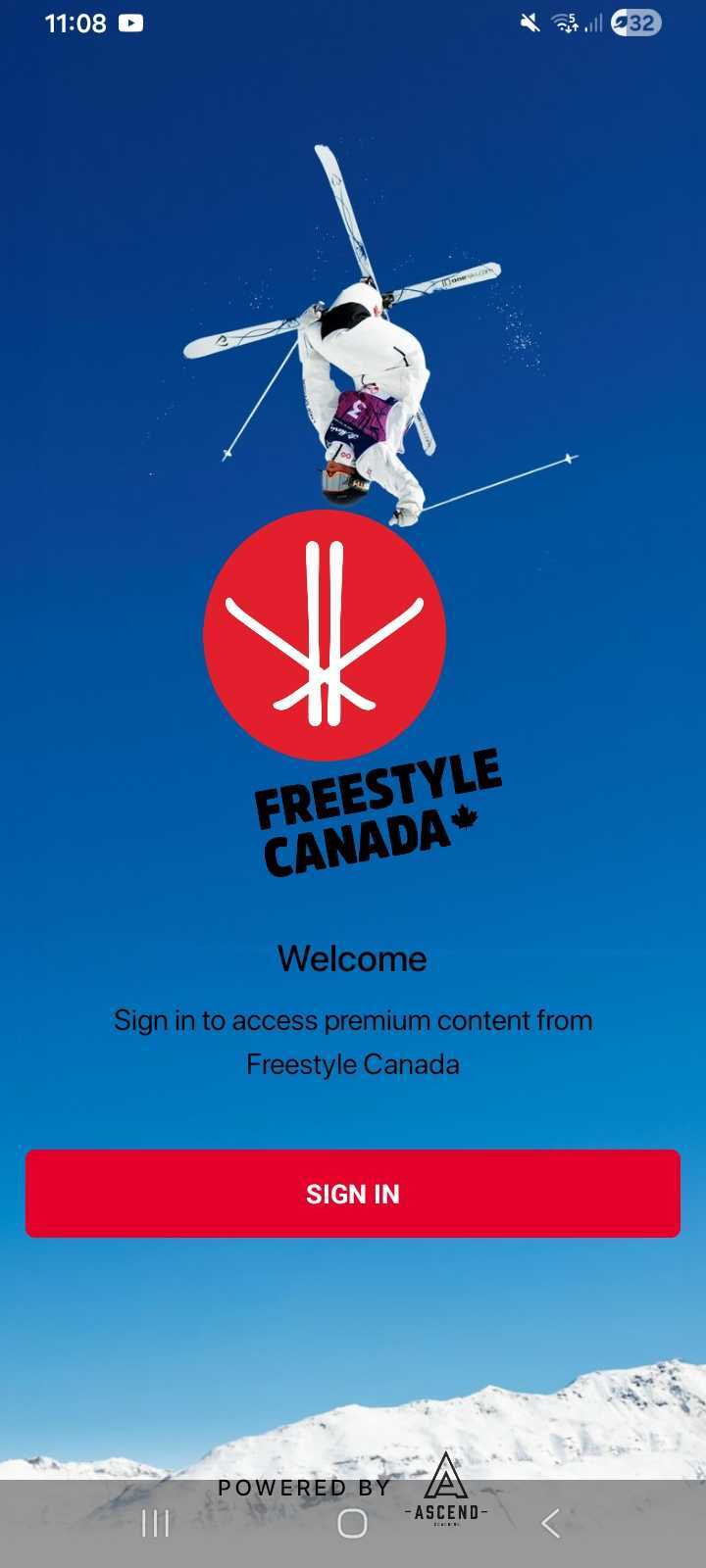
You have a few ways to continue:
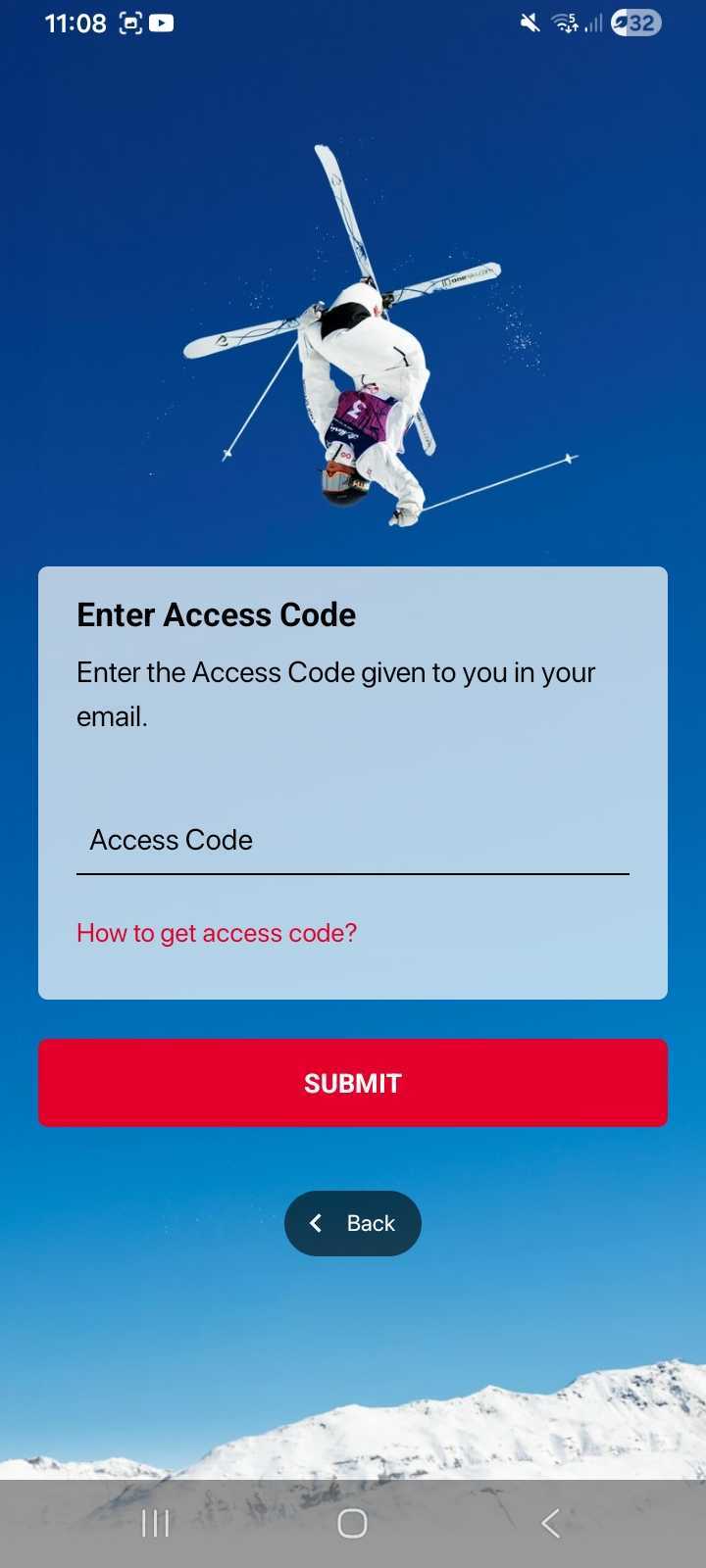
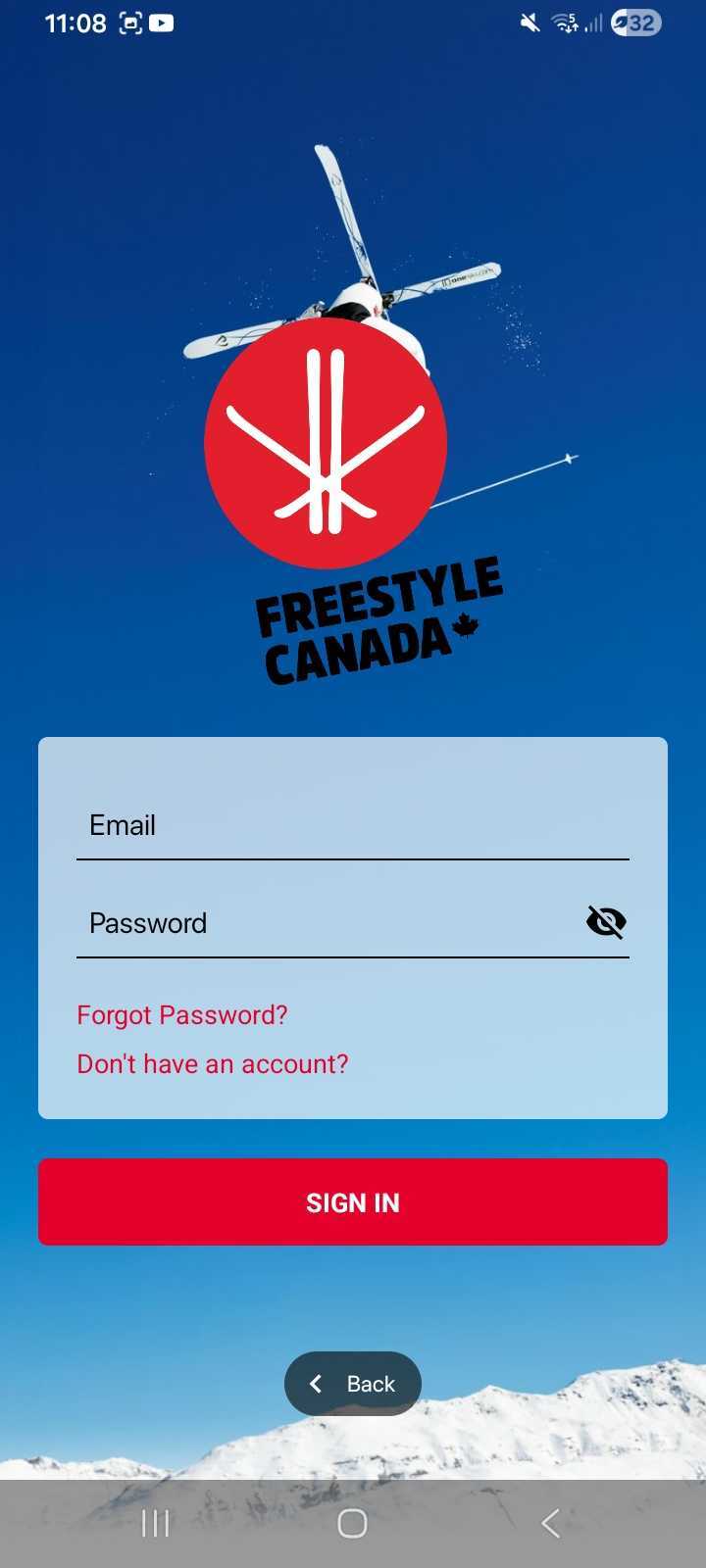
Sign up with your email and password
Enter your Access Code (to create a new account)
Choose the option that works best for you to complete your account setup.
If creating a new account with an Access Code:
Enter your Access Code.
On the next screen, fill in your details.
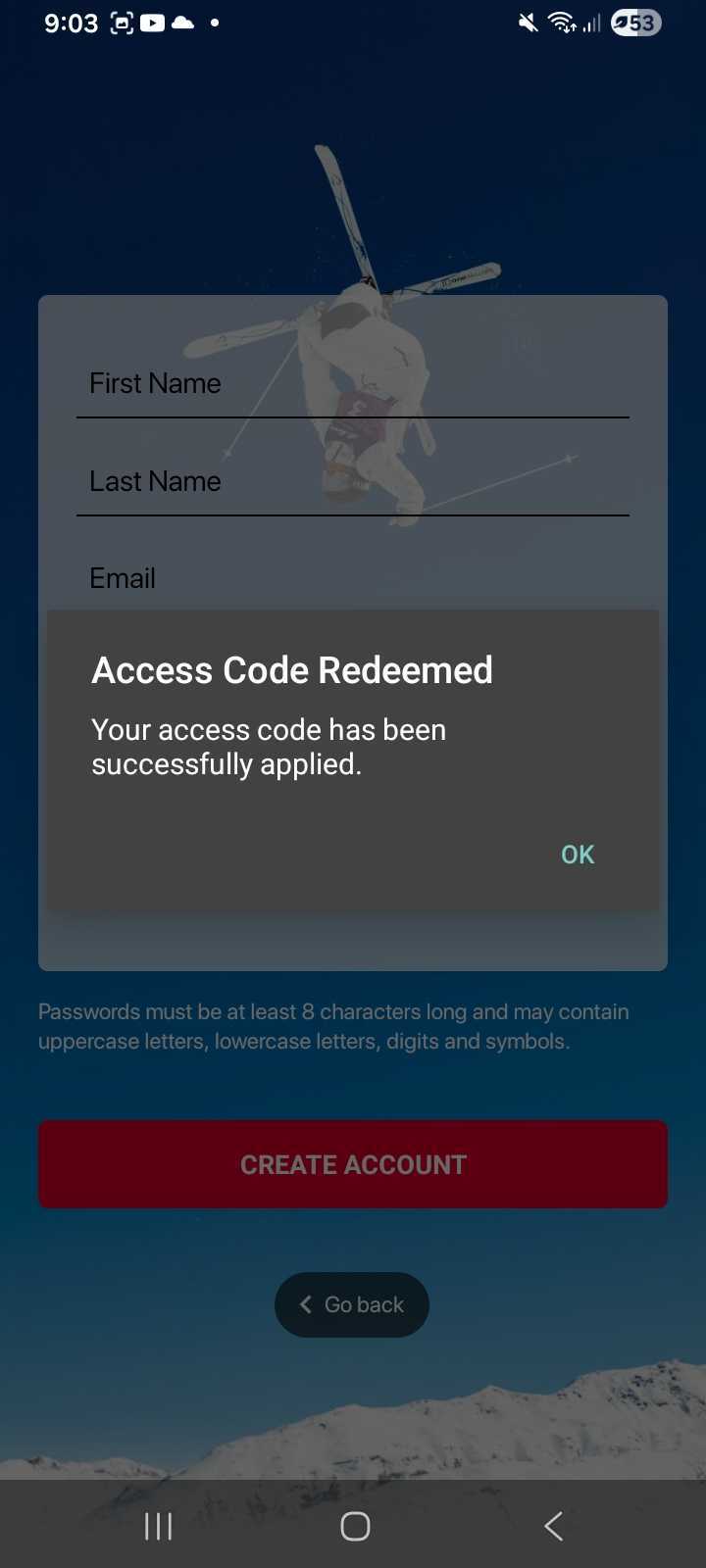
Your password must be at least 8 characters long and can include uppercase and lowercase letters, numbers, and symbols.
When you’re done, tap Sign Up to finish.
Was this article helpful?
Still need help?Submit A Ticket