
To join a team in Android, you must first receive an invitation from a current team member or the team creator. Please reach out to them and request an invite.
If you need help creating a team or inviting someone, refer to the Inviting and Adding a Team Member guide.

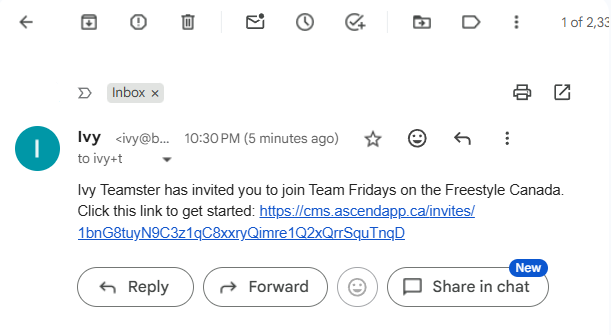
Once you’ve been invited, you’ll receive an email with a link. Tap “Click here” in the email to proceed.
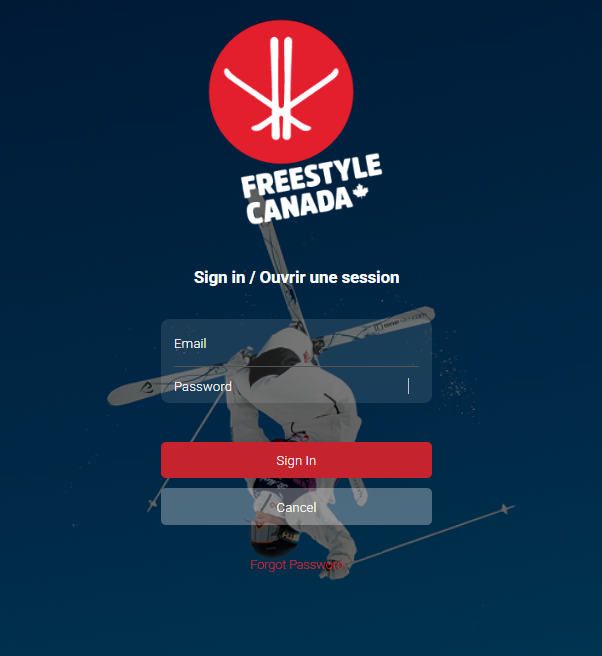
The link will direct you to a mobile page where you can create an account or sign in with your Freestyle Ski Canada account.

After signing in, the team you’ve joined will appear on your Teams dashboard.
Was this article helpful?
Still need help?Submit A Ticket