
Want to download an article or video, here’s how:
- Open the article or video.
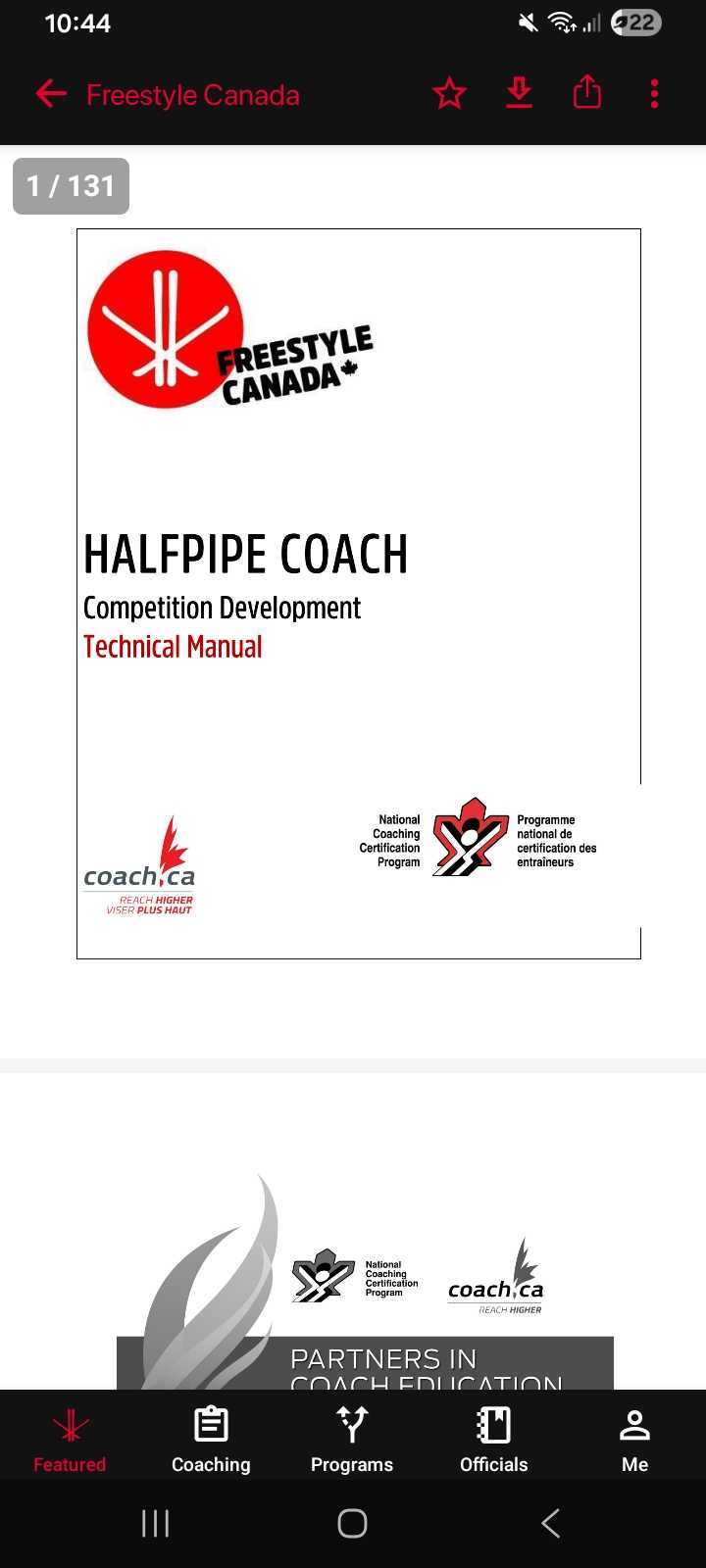
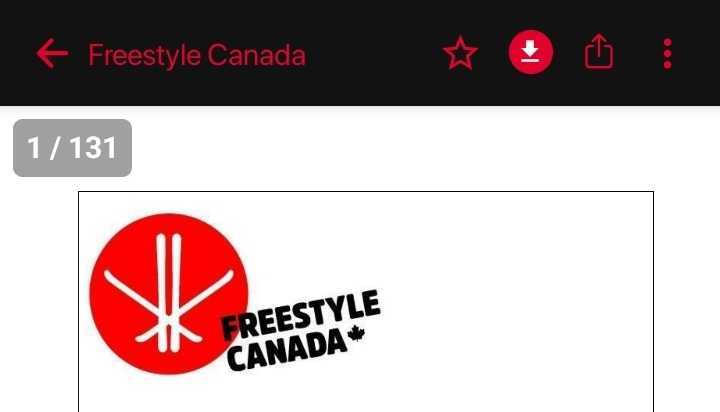
- On the top-right corner, the second icon with an arrow facing down, is the Downloads button. Click this icon to download your content.
- All your downloads are then collected in your Downloads folder.
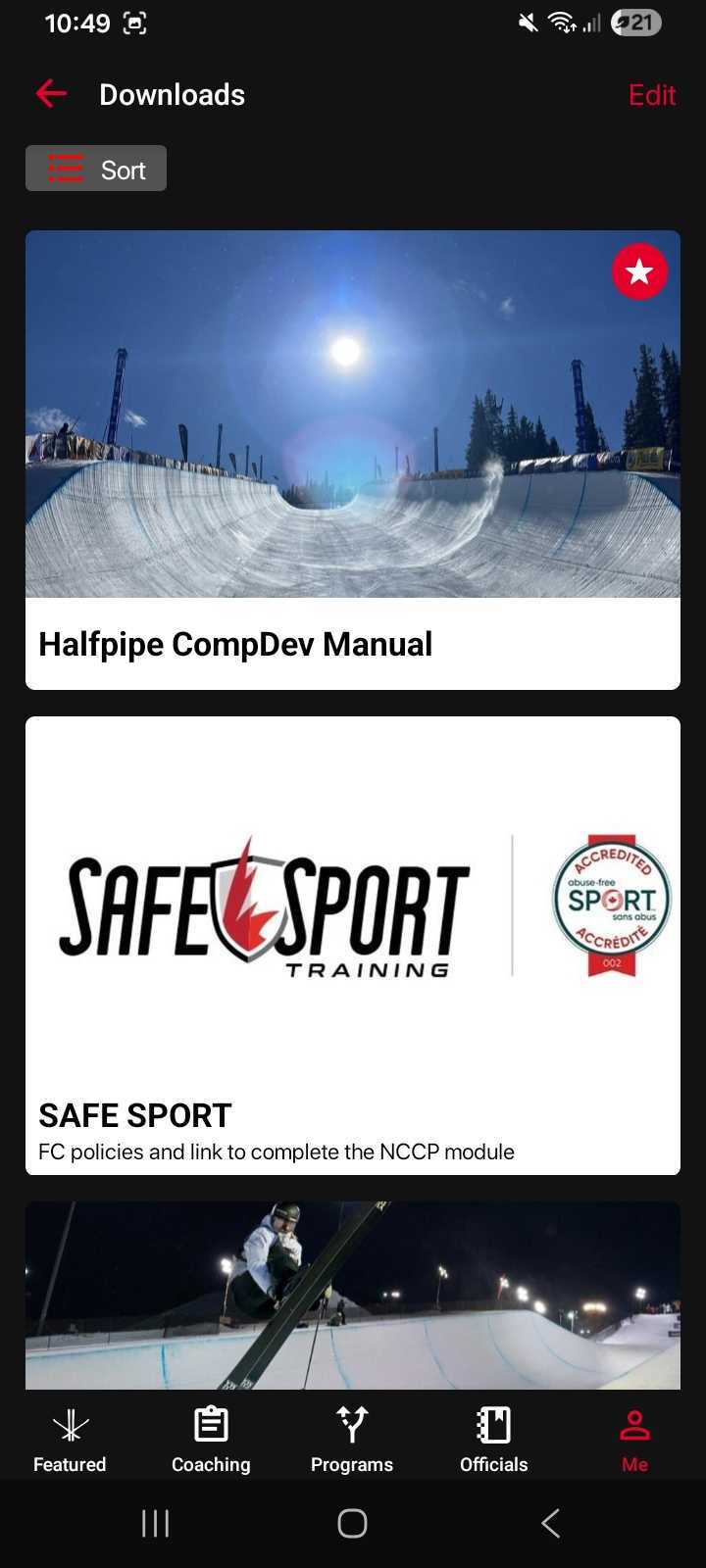
- You can view your Downloads folder under the Me tab in the navigation menu.
To remove any Downloaded content, simply unclick the Downloads icon on the article page itself. Unhighlighting the icon means it is no longer part of your downloads folder.
Was this article helpful?
Still need help?Submit A Ticket