
1. Open the app and go to the Me tab in the navigation menu.
2. Tap Account Settings.
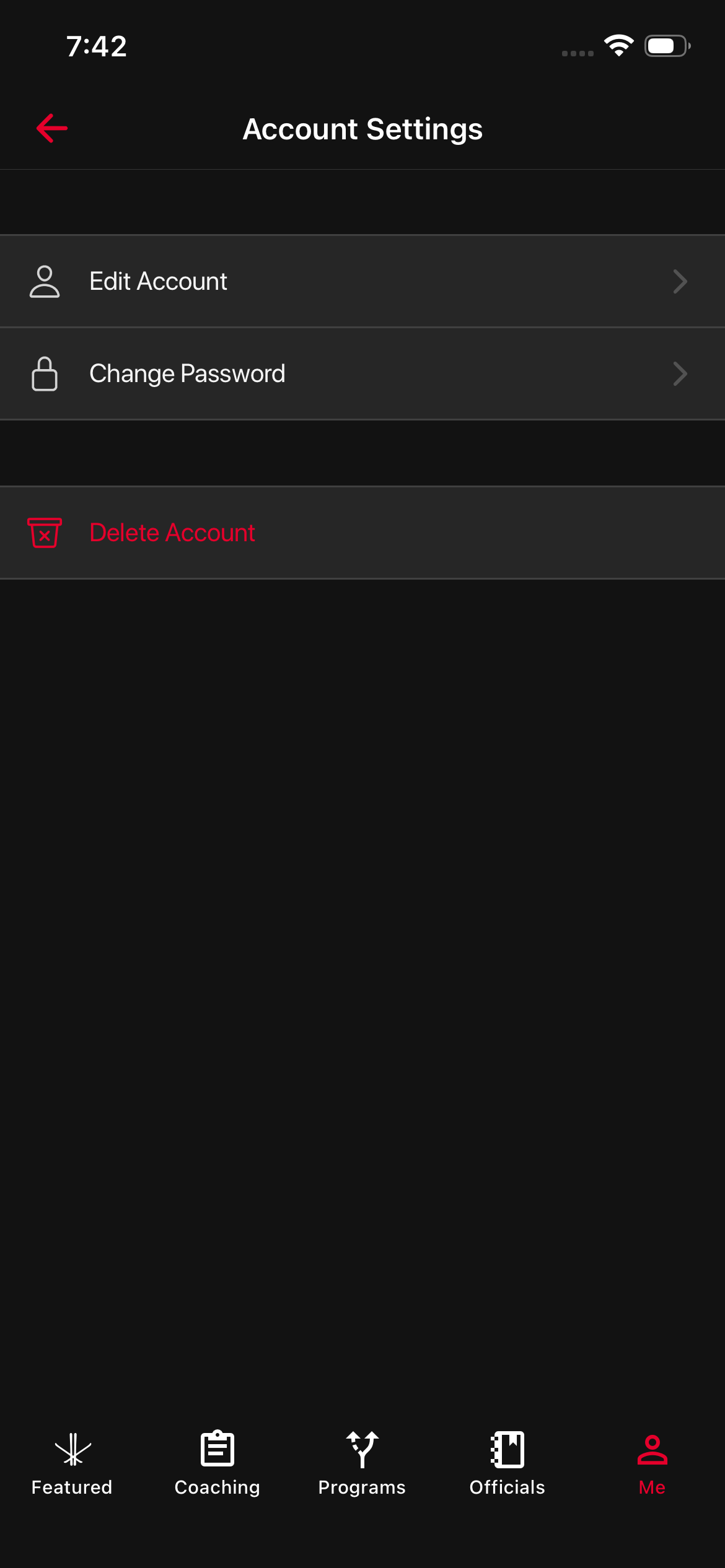
Select the option you need:
- Edit Account to update your profile (Name, Role, Age Group, Location) then press ‘Save’
- Change Password to update your password then click ‘Save’
- Press ‘Delete Account’ to remove your account.
3. Follow the on-screen instructions to complete your request.
Was this article helpful?
Still need help?Submit A Ticket